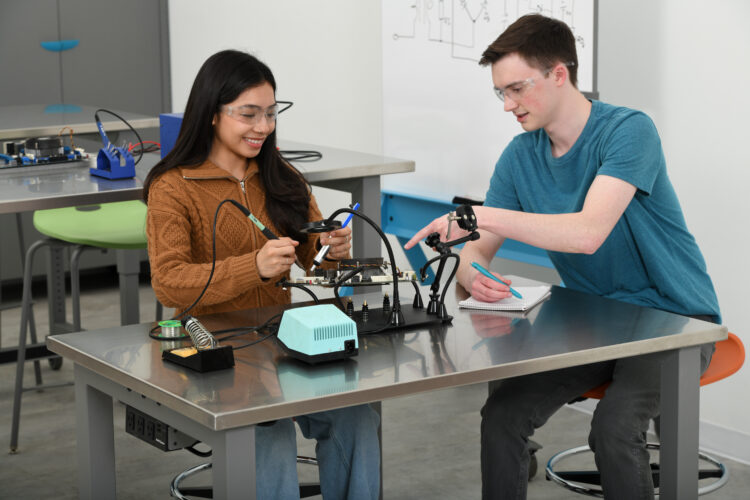
Designing CTE and Makerspaces for Learning Real-World Skills
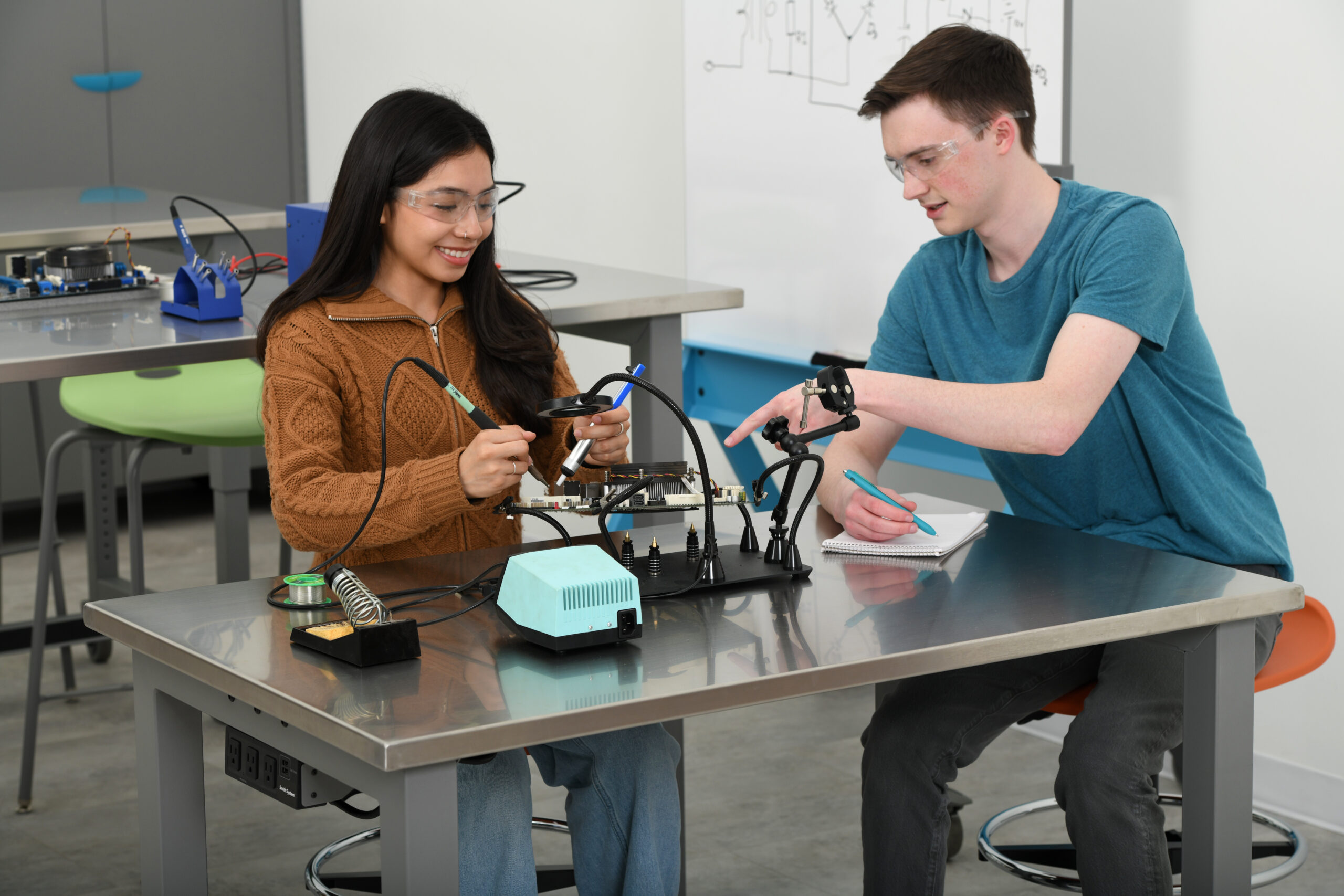
The interest in career and technical education (CTE) programs at the secondary school level is surging. What’s less clear is how to provide the optimum environments for learning valuable real-world skills.
Begin by creating thoughtfully designed CTE and makerspaces where education meets industry. In other words, give students more opportunities to solve real-world problems in school spaces that replicate the workplace.
Here’s how your school can provide exciting learning spaces geared to enable student agency, skills accountability, and teamwork.
The Goal: Learning Through Doing, Making, Creating
Decades of research has shown that real-world skills are learned through doing, not observing. In CTE pathway programs, the focus is hands-on, industry-aligned skill development. CTE program interest is growing, according to various sources:
- 12 million high school students participated in CTE, as of 2025.
- 71% of educators report their students’ interest in CTE has increased either a little or a lot in the past five years (EdWeek survey with 500 educators nationwide.)
Makerspaces matter, too. Though CTE and makerspaces are not the same, they often overlap and support each other in modern schools. Think of CTE as the curriculum/program and a makerspace as the environment/toolset. Here’s the distinction:
The CTE Space: CTE has a structured, career- or credential-focused curriculum focused on teaching specific skills for high-demand careers. Likewise, CTE spaces are more formal, with industry-specific layouts and tools that replicate the workplace.
The Makerspace: These are fun, flexible spaces for creating, tinkering and prototyping (from low-tech LEGOs to high-tech 3D printers and laser cutters). The environment is more informal, with project-based learning through trial and error. Students can be self-directed or team-up.
Common Examples of CTE Spaces
Obviously, it’s not feasible for schools to physically replicate multiple workplace scenarios, so focus on local and regional need. A recent EdWeek survey showed the top five school CTE programs were construction, digital technology, hospitality (including culinary), agriculture, and arts/entertainment/design.
Here are common examples of CTE spaces in secondary education:
- Health Sciences: Simulated hospital rooms with patient beds, diagnostic tools and medical equipment, including a lab. FYI: Healthcare employs about 1 in 10 people in the U.S. over the next decade, it’s projected to add more jobs than any other sector.
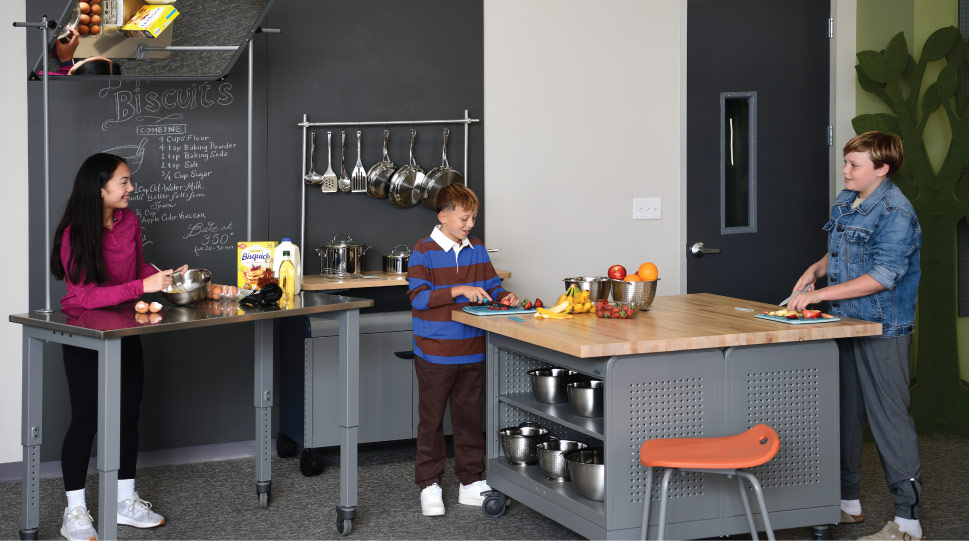
- Culinary Arts: Commercial kitchens equipped with stainless steel tables, ovens and refrigerators.
- Manufacturing & Engineering: Makerspaces, robotics areas, 3D printers, CNC machines and metal fabrication tools.
- Automotive/Transportation: Auto shops with vehicle lifts, engine repair areas and diagnostic equipment.
- IT & Digital Media: Cybersecurity labs, video production studios, and labs with high-performance computers and software, drone aviation equipment, and simulators.
- Construction & Trades: Workshops for HVAC, plumbing and electrical work.
- Agriculture & Environmental Science: Greenhouses, floral design studios and natural resource labs.
Five Steps to Design CTE & Makerspaces for Learning Real-World Skills
Districts often face space and cost barriers for coordinating real-world learning. A realistic how-to source is the Association for Career and Technical Education. It’s website includes the article, “A Road Map to Robust CTE Facilities,” by Sue Ann Highland, Ph.D.
She says, “By focusing on facilities first, education leaders can leverage existing assets and design spaces that attract students and industry partners. This intentional approach rarely requires new construction; it often begins with a fresh look at what’s already available."
What matters most is intentional CTE design. Here’s our step-by-step guide for creating effective, highly engaging CTE (and makerspaces to some extent) for middle and high school students.
1. Design to Support Core Skills and Functions
CTE spaces should support these core skills and functions:
- Collaboration
- Tools and technology
- Visibility and supervision
- Rapid reconfiguration
- Safety and hygiene
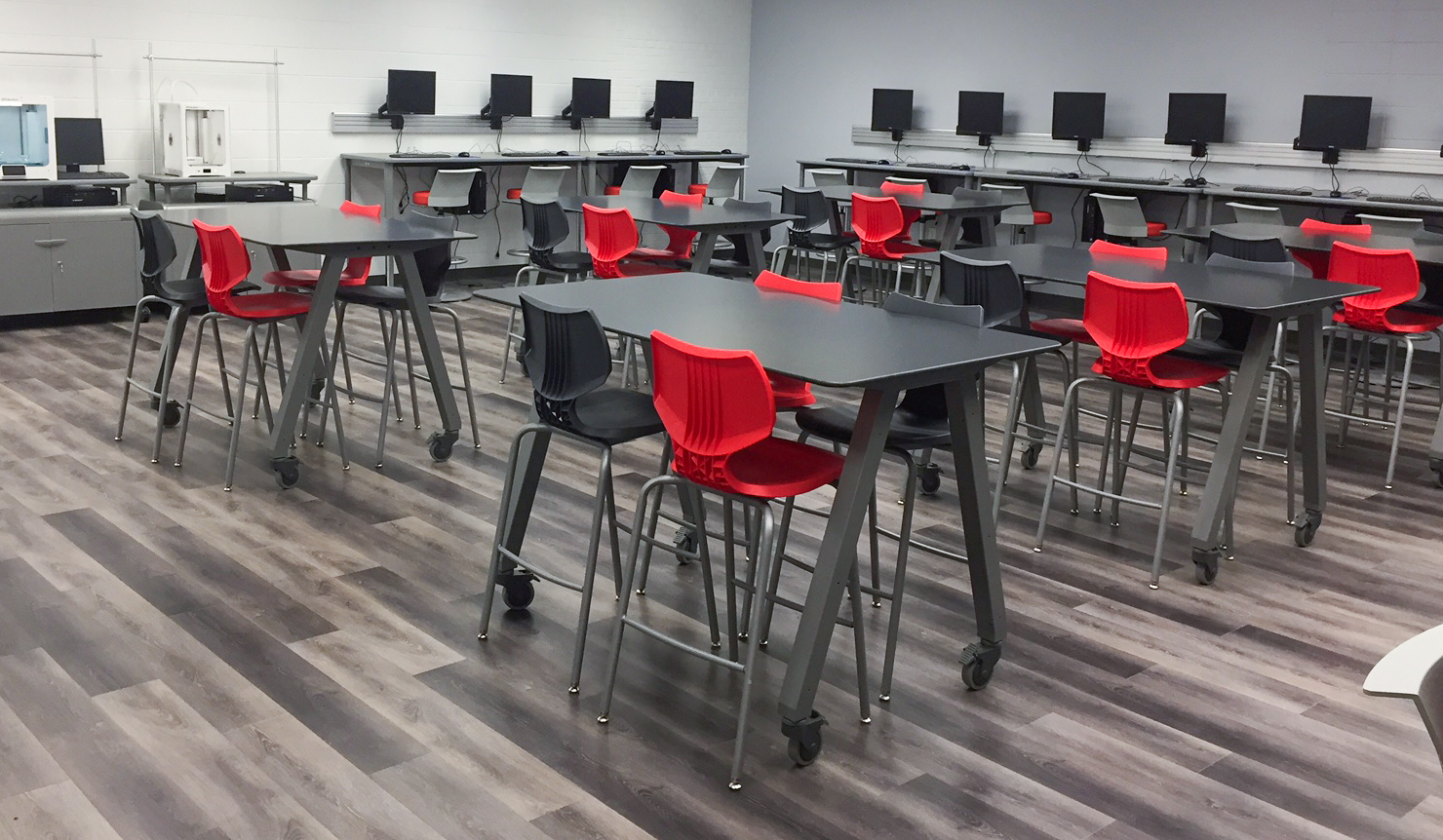
2. Get (Really) Creative with Space
Schools have limited budgets, so think outside the typical four walls. Engage students and the local community in the hunt for CTE and makerspaces. Consider:
- Empty classrooms or portables: Repurpose these rooms into makerspaces, labs or multi- use areas for multiple programs.
- Closets, storage and in-between spaces: Repurpose smaller areas for business programs, including IT and digital careers.
- Rooms located near kitchens: Their proximity can make these spaces a great starting point for adding culinary arts or hospitality pathways.
- School garages: Consider these areas for tool-dominate careers, like automotive and construction trades.
- Community spaces: Partner locally to find potential spaces to borrow, lease or buy, like an empty restaurant, an auto garage with an extra bay, a local community college or rec center. Here’s how one school got very creative:
A Superintendent’s Vision Turned an Oil Site Into a Career Launchpad.
- Outside: Create outdoor classrooms for learning agriculture and environmental sciences.
3. Prioritize Flexibility
Flexibility and adaptability in CTE and makerspace layouts is a must, especially in the age of AI. By 2030, it’s predicted that 70% of the skills professionals use in most jobs will change. Yet some elements, like furniture, play a big role in allowing spaces to pivot as lessons, technology and hands-on tools evolve. Multipurpose furniture can also help CTE spaces serve multiple career pathways.
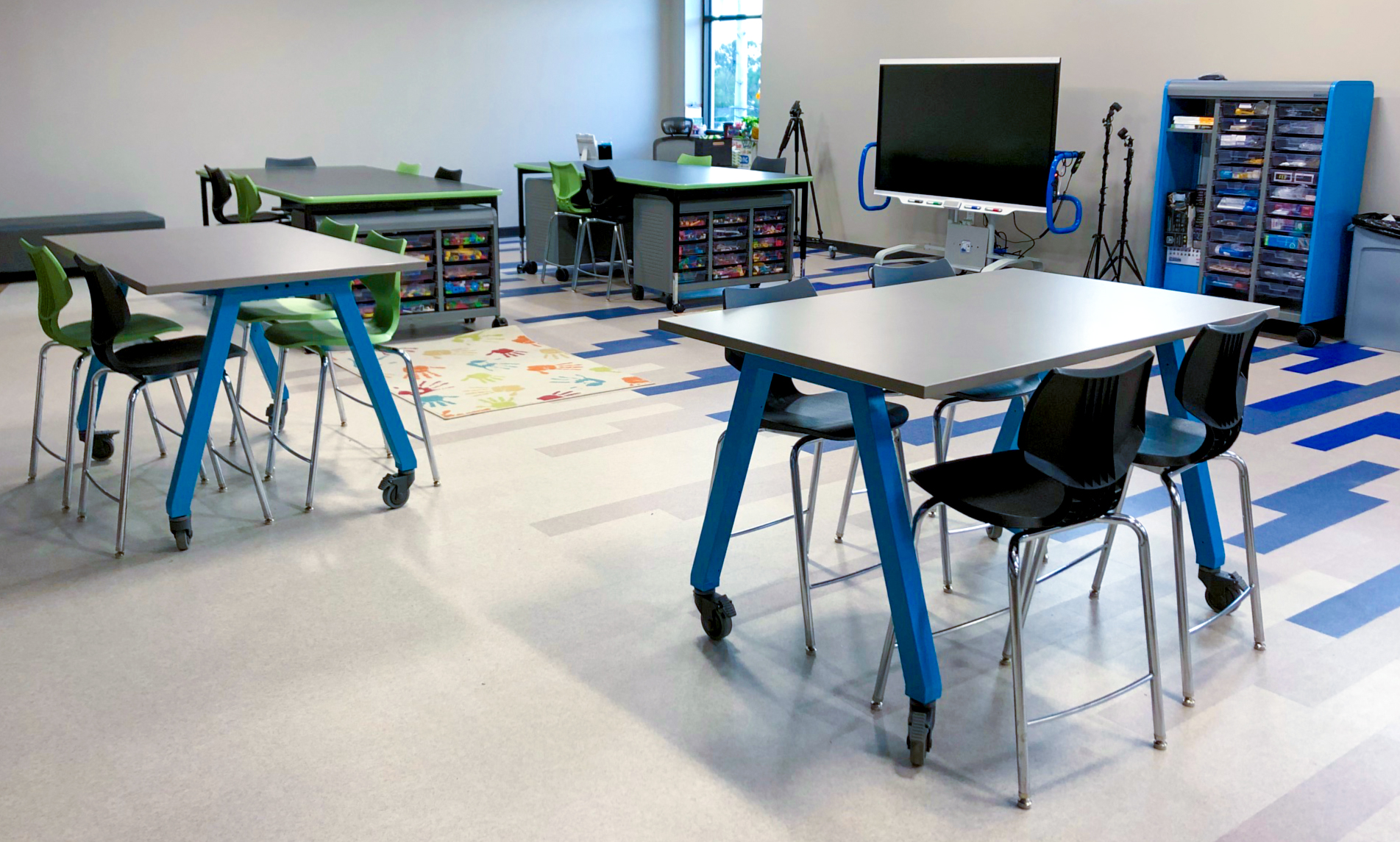
4. CTE and Makerspace Furniture: Selection Tips
Furniture choices can make or break your school’s CTE and makerspaces. That includes whether they attract and retain students (and maybe teachers and mentors, too). Furniture and layout should work in harmony with or even inspire curriculum, not work against them.
Looping back to Step One above, here’s how schools can turn CTE and makerspace furniture into learning tools. Remember, it’s important to give CTE students a sense of being in a professional setting.
Collaboration
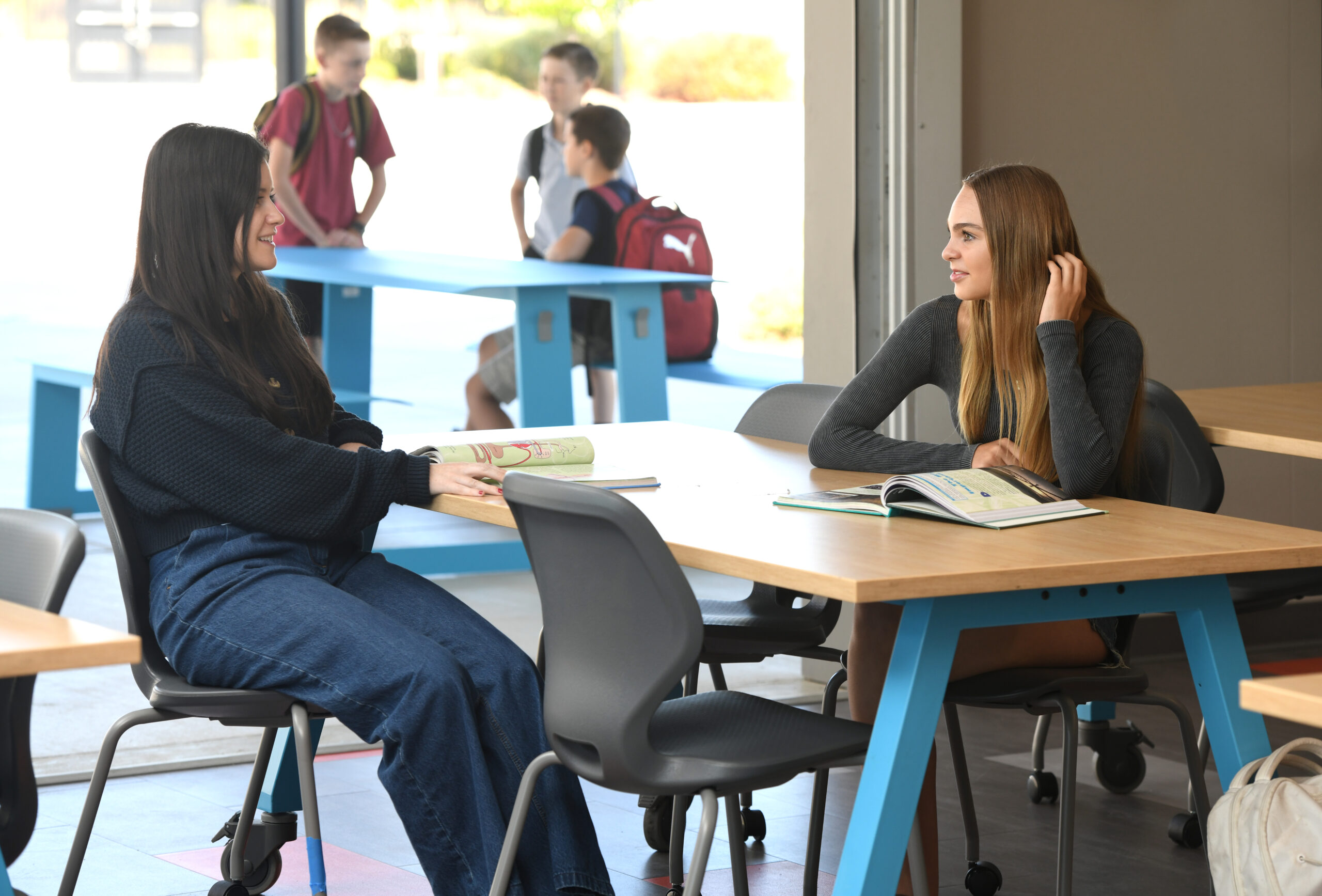
Create a spot for everyone to get focused. You also want to support fluid collaboration between students and workplace mentors. Start with versatile, multipurpose tables with highly durable finishes and surfaces that can withstand heavy use.
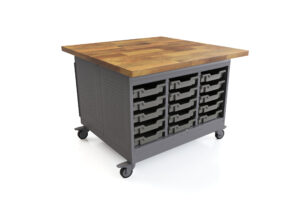
Cascade® Maker Table This mobile, all-in-one multitasker offers a hardy work surface in butcher block or laminate atop a full storage unit. Choose from shelves or totes, with optional locking doors to enclose storage.
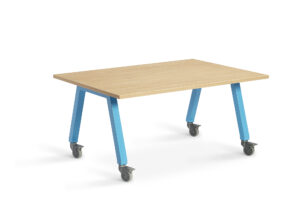
Planner® Studio Tables Many tables in the heavy-duty Planner Studio line are built to endure loads up to 400 pounds. Surface options includes stainless steel, butcher block, chemical-resistant and laminate. Available in fixed and adjustable-heights, and with casters.
Tools and integrated technology
Keep digital and manual tools, equipment, and raw materials organized, yet accessible, with mobile storage units in a variety of sizes. Choose lockable storage for keeping high-value items safe and secure.
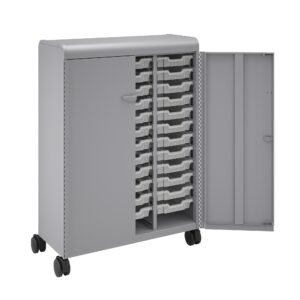
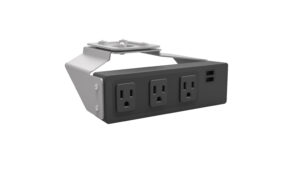
Cascade® Storage A range of cases, cabinets, towers, wardrobes, and cubbies makes it easy to store and organize materials, projects, and personal items while adapting to evolving classroom needs.
Accessories Smith System offers a vast line-up of accessories to help schools maximize their furniture and elevate student learning. Choose from numerous ways to add or expand power, technology, storage, mobility and versatility.
Visibility and supervision
Open sight lines are essential in CTE settings to ensure equity and safety. Students should be able to clearly observe detailed techniques and safety practices from anywhere in the space.
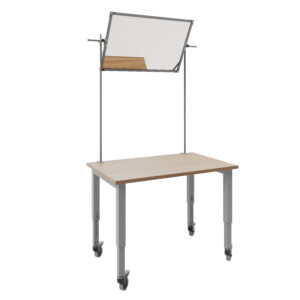
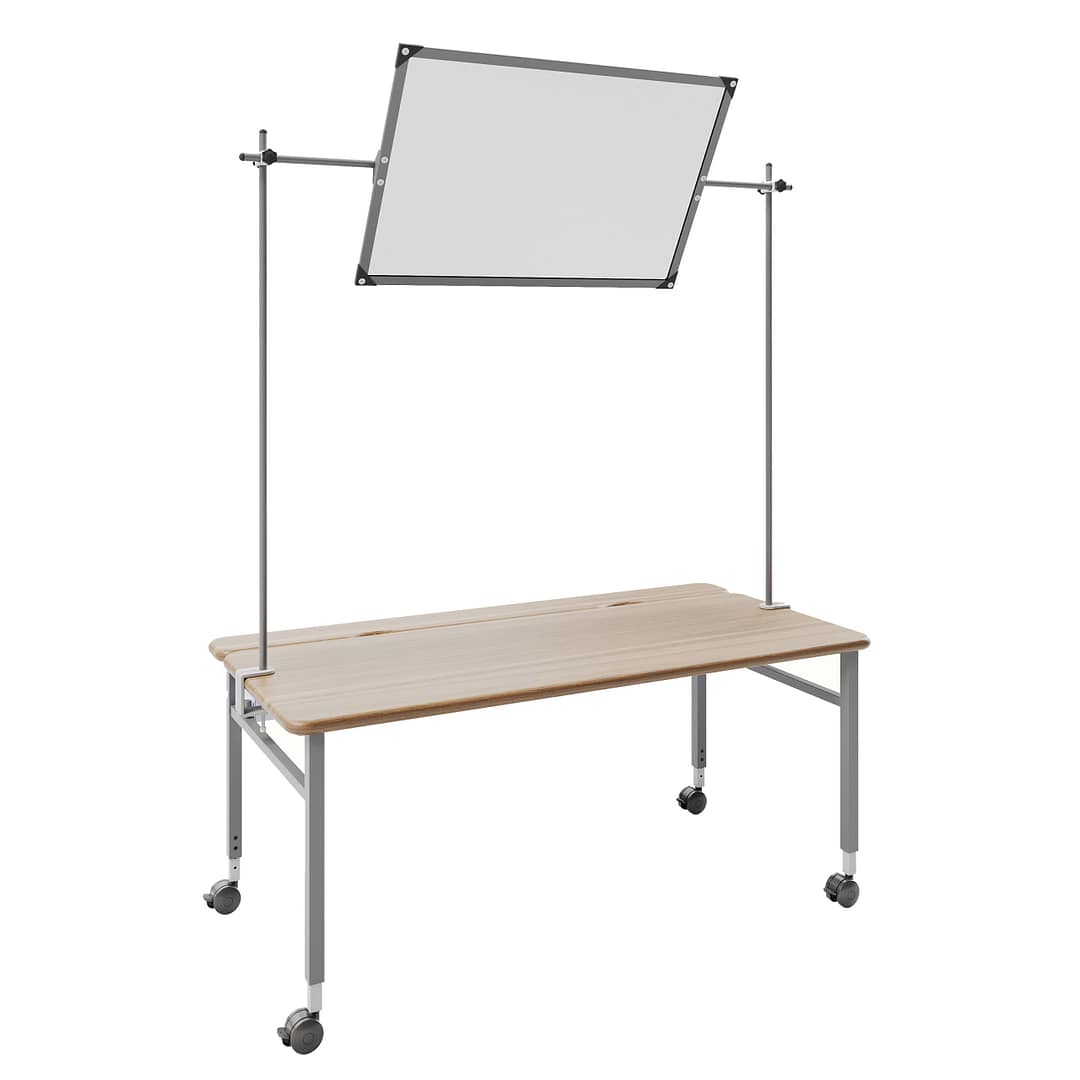
Planner® Demonstration Mirror Available in two sizes to fit tables that are 48” or 60” wide, this is a durable and adjustable mirror attachment. It allows students to clearly see demonstrations, whether it’s culinary arts, science experiments or technical projects.
Rapid reconfiguration
Keep layouts flexible with lightweight, yet highly durable and supportive, seating. It should be easy for students to work statically or seamlessly move between workstations. Right-sizing is essential for ergonomics and safety.
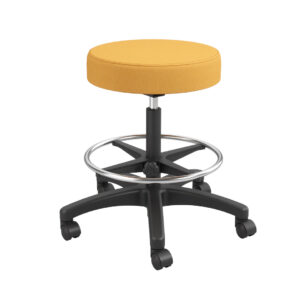
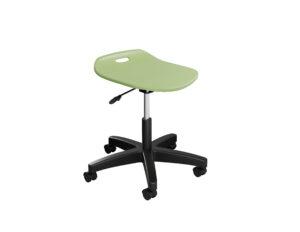
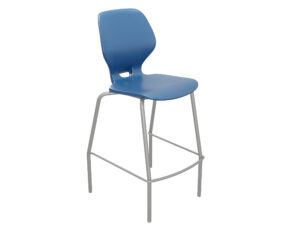
Adjustable Height CTE Stool This adjustable-height, industrial-grade stool is designed for the demands of hands-on, skills-based learning. It features a vinyl seat on a five-star base with pneumatic lift and swivel casters or glides. Available in both low-height range and high-height range models.
Potential™ Adjustable Height Stool With a 22” to 32” adjustable range, this stool offers a firm seat pan with slight back ridge. It’s a cost-effective option for durable, inclusive seating on glides or casters.
Numbers™ Fixed Height Stool To optimize learning, this quality stool gives students optional 360-degree seating. The chair’s shell has enough flex and the right angle to support a variety of comfortable seating positions. Available in four fixed heights.
Groove® Fixed Height Stools This stackable stool features a full back with gentle flex at the top. The ergonomic seat pan and subtle shell contours support movement in a working posture at a desk and sideways sitting. Available in a 24″ seat height and a 30″ seat height.
Safety and hygiene
Following safety and hygiene protocols are a critical part of the CTE curriculum and makerspace guidelines. Work surfaces here are not just a workspace. The help teach health, safety and being a courteous co-worker when it’s time to clean up.
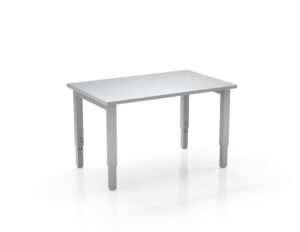
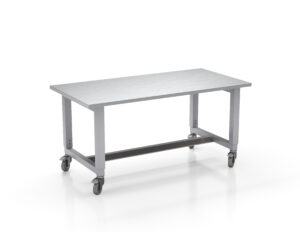
Planner® Studio Stainless Steel Table This adjustable-height table is built to help teach just about anything, from culinary skills to small-engine carburetor care. It features a closed- surface composition that resists dirt and is impervious to mold and rot. Table legs range from 29” to 40” high, with optional casters.
5. Create authentic environments.
Learning real-world skills requires real-world environments. When designing CTE facilities, aim for an authentic, professional look and feel that mirrors modern workplaces. Even low-cost options, like wall graphics, can get students excited.
Create a Learning Hotbed for Your CTE and Makerspaces Students
All signs show that CTE and makerspace movements will continue to grow across appropriate K-12 grade levels. If your school wants to keep pace, now’s the time to create your learning hotbed.
Whether you’re starting small or going big, Smith System can help. Contact us to discuss the optimum CTE and makerspace furniture for learning real-world skills.
Sources
- https://nchstats.com/us-health-industry-jobs/#:~:text=As%20of%202025%2C%20the%20U.S.,and%20education%20in%20total%20jobs
- https://news.linkedin.com/2025/work-change-report-2025
- https://www.acteonline.org/blog/2026/02/09/robust-cte-facilities/
- https://www.edweek.org/teaching-learning/cte-is-on-the-rise-heres-what-educators-say-would-make-programs-stronger/2025/12

View our 2026 Catalog
Recent Posts
 Smith System Partners with The Design Besties and School Specialty to Bring Grizzlies Prep Library to Life
 Design Without Limits: Creating Schools That Feel Like Home with Custom Materials
 Back-to-School Classroom Tips That Set Students Up for Success
 Designing for Early Childhood: How Environment Shapes the Way Young Children Learn
 The Importance of School Furniture in Inclusive and Special Education Classrooms
 Designing Classrooms Around How Students Learn: The 4 Pillars
 Student-Centered Layouts & Storytelling
 Designing for Decades: The Future of Sustainable Learning Environments